

Introduction
Webhooks allow GetFeed to send real-time notifications to your external services when specific events occur in your workspace. Whether you want to trigger automations when a clip is generated, notify your team when processing completes, or sync data with your own systems, webhooks provide the connectivity you need.
Pro-Tip
Prerequisites
Before setting up webhooks, ensure you have:
- Owner or Admin access to your GetFeed organization
- An endpoint URL (HTTPS) that can receive webhook payloads
- Understanding of which events you want to monitor
Accessing Webhooks Settings
Navigate to Settings
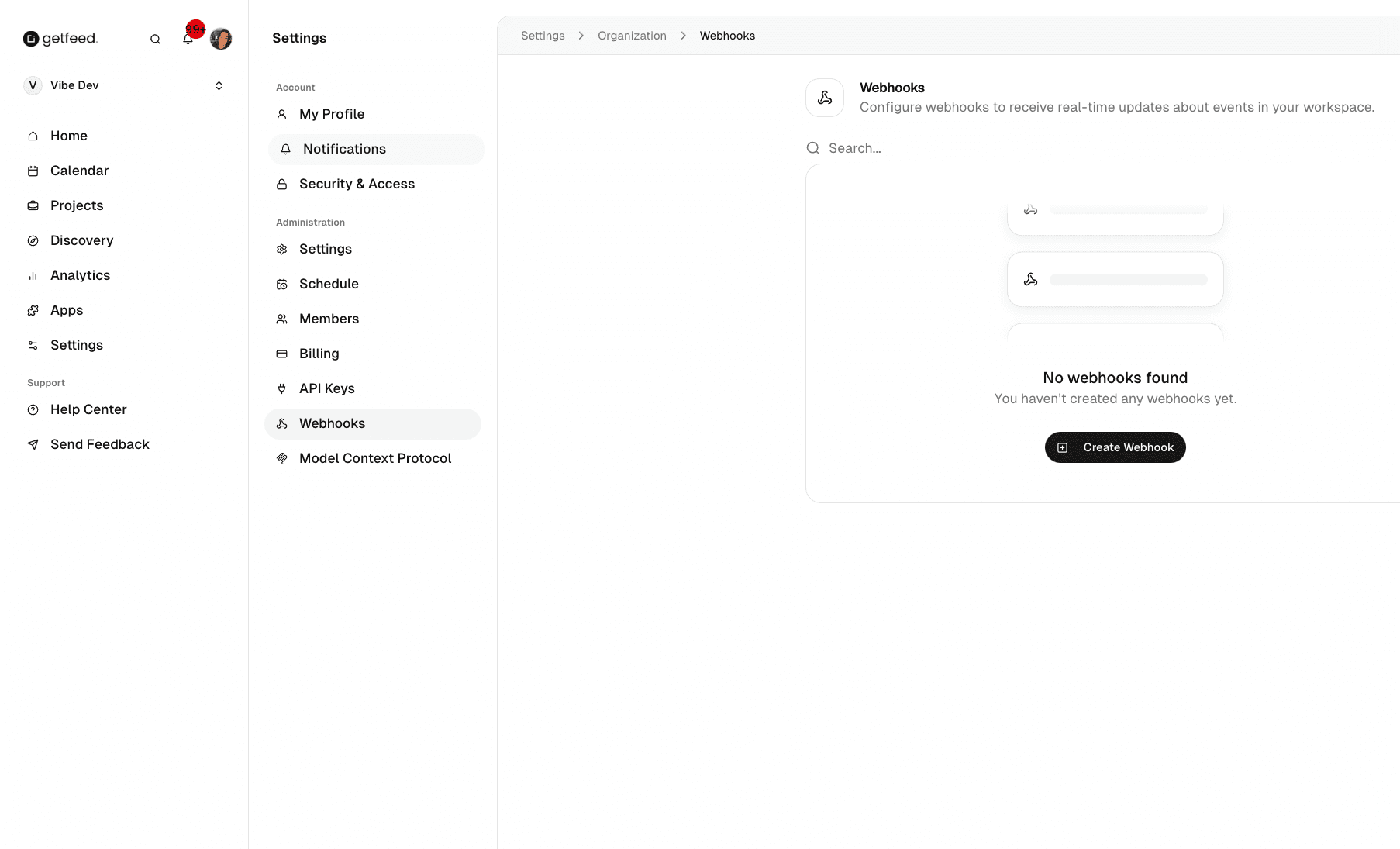
From your GetFeed dashboard, click Settings in the left sidebar.
Open Webhooks Section
In the Settings sidebar, under Administration, click Webhooks.
Creating a Webhook
Click Create Webhook
If you don't have any webhooks configured, click the "Create Webhook" button in the center of the page. Otherwise, look for the create button in the page header.
Configure Webhook Details
Fill in the webhook configuration:
| Field | Description |
|---|---|
| Name | A descriptive name (e.g., "Slack Notifications", "Zapier Clip Trigger") |
| URL | Your HTTPS endpoint that will receive the webhook payloads |
| Events | Select which events should trigger this webhook |
| Secret | Optional secret key for payload signature verification |
Select Events
Choose which events trigger the webhook:
- Video Events: Video uploaded, processing started, processing completed, processing failed
- Clip Events: Clip generated, clip edited, clip rendered
- Post Events: Post scheduled, post published, post failed
- Organization Events: Member added, member removed, settings changed
Tip
Save and Test
After saving, use the test function to send a sample payload to your endpoint and verify it's receiving data correctly.
Managing Existing Webhooks
Your webhooks are displayed in a searchable list. Each webhook shows:
- Name: The descriptive name you assigned
- Status: Whether the webhook is active or paused
- Events: Icons indicating which event types trigger this webhook
- Last Triggered: When the webhook was last fired
Editing Webhooks
Click on any webhook to modify its configuration, change events, or update the endpoint URL.
Pausing Webhooks
Temporarily disable a webhook without deleting it. Useful for maintenance periods or debugging.
Deleting Webhooks
Remove a webhook permanently. This action cannot be undone.
Webhook Payload Format
When an event occurs, GetFeed sends a POST request to your endpoint with a JSON payload:
{
  "event": "clip.generated",
  "timestamp": "2025-12-06T21:30:00Z",
  "organization_id": "org_xxxxx",
  "data": {
    "clip_id": "clip_xxxxx",
    "video_id": "video_xxxxx",
    "title": "The key insight about...",
    "virality_score": 85,
    "duration": 45
  }
}
Common Use Cases
Security Best Practices
Troubleshooting
Related Features
- Managing API Keys - Create API keys for authenticated integrations
- Connect AI Assistants with MCP - Connect ChatGPT, Claude, and developer tools
Read More