

Introduction
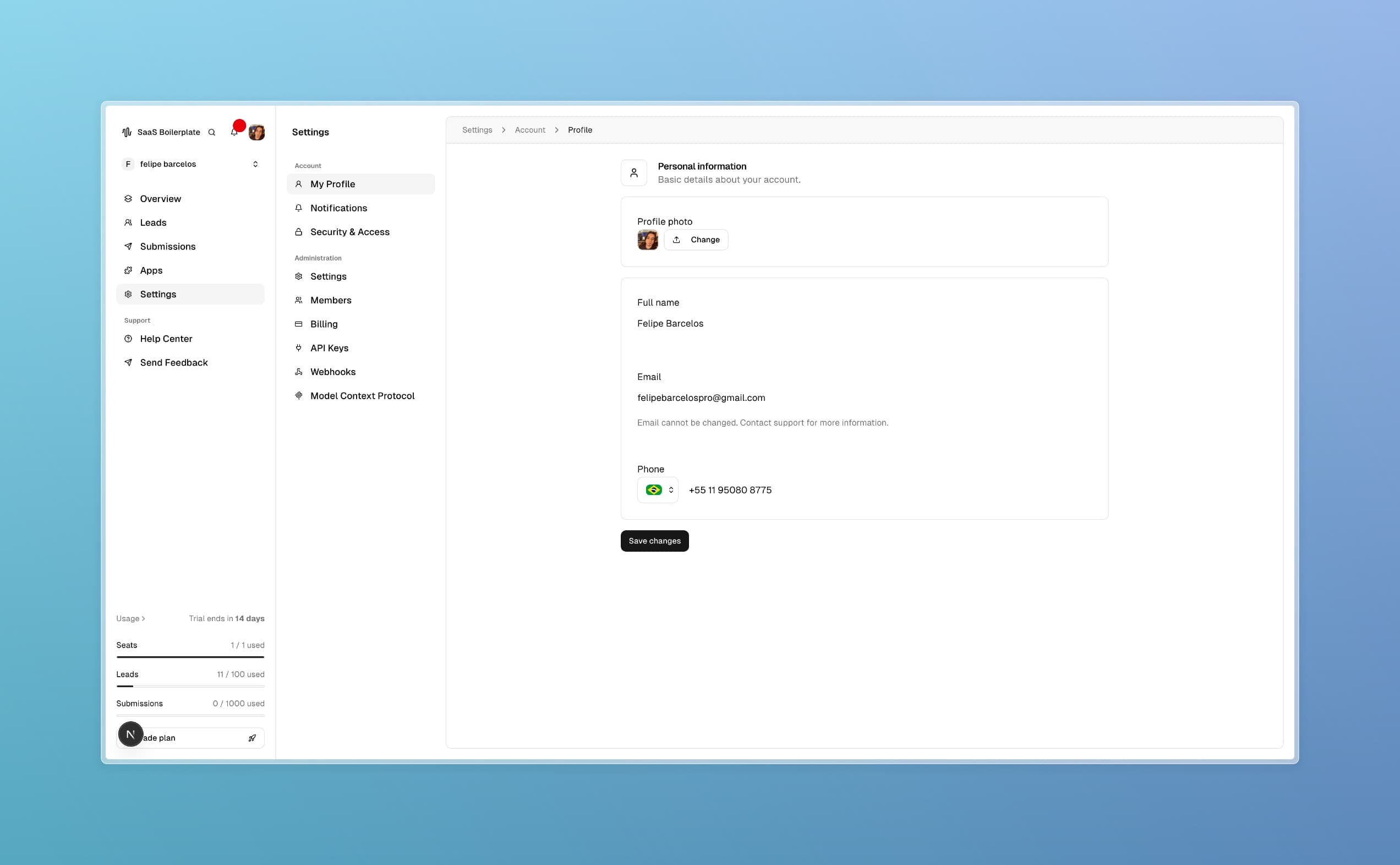
Your profile is your personal space in GetFeed where you can manage your account details, upload a photo, and keep your information current. This ensures smooth collaboration with your team and helps personalize your content creation experience. By the end of this guide, you'll know how to update all aspects of your profile.
Tip
Prerequisites
- Access to the GetFeed dashboard
- A valid account with your workspace
- Basic familiarity with the dashboard navigation
Core Concepts
Profile Information
Your profile includes personal details like name, email, and phone number. These are used for identification, notifications, and account security.
Profile Photo
A profile photo or avatar helps team members recognize you in shared workspaces. The system automatically optimizes uploaded images for web use.
Step-by-Step Guide
Access Your Profile
Navigate to the profile settings by clicking Settings in the sidebar, then select Account > My Profile.
Update Profile Photo
In the photo section at the top:
- Click the upload button to select an image from your device
- The system will display your current photo or initials-based avatar
- Supported formats (JPG, PNG) are automatically optimized
Edit Personal Information
Update the following fields as needed:
Prop
Type
For the phone field, select your country code from the dropdown to ensure proper formatting.
Save Changes
Review your updates, then click Save Changes. The system will confirm successful updates.
Troubleshooting
Best Practices
Read More